Entries
Entries collection will allow you to store every form submission in the database and preview the data from WordPress admin.
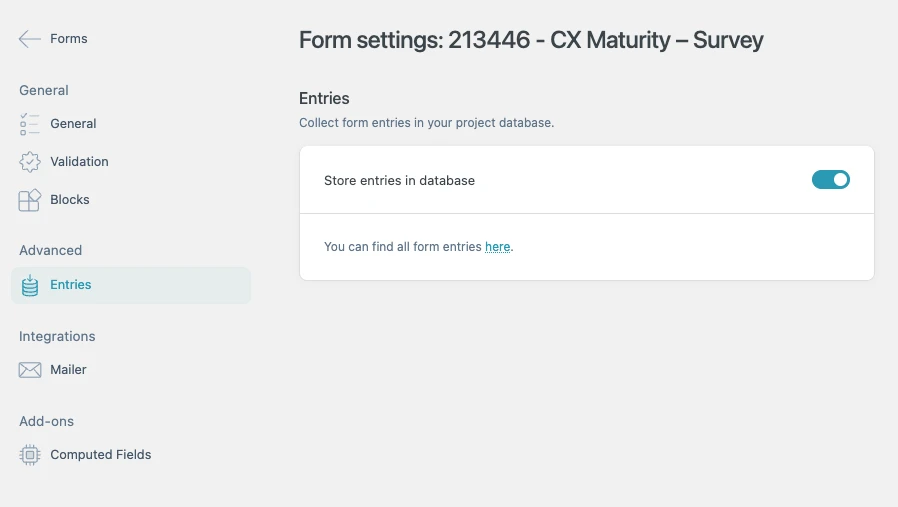
Once this feature is enabled, every form submission will be stored in the WP database with all the data.
You can preview all entries by clicking the form entries link under the forms listing page.
Entries can be deleted or duplicated with the ability to export all or some entries to CSV format.

All data is secured and checked before it is stored in the WordPress database to ensure no malicious code will enter your database.
Additional values
Section titled “Additional values”Alongside the submitted fields, an entry can also store additional values set during the submission — for example the increment ID, which is useful when the same reference has to be found again later.
Showing entries progress on the front end
Section titled “Showing entries progress on the front end”Stored entries can be aggregated and shown on the front end with the esFormsEntryProgress shortcode. It sums a numeric field from all the form entries and outputs it as a number or a percentage of a target value, with an optional progress bar.